To add several users to the same role group:
- Select users with the checkboxes on the left-hand side.
- Click "Add role group".
- Select the relevant user role groups.
Existing role groups will not be removed from a user.Roles already assigned to a user will be skipped.
Removing role groups. Role groups can only be removed per user and not in bulk.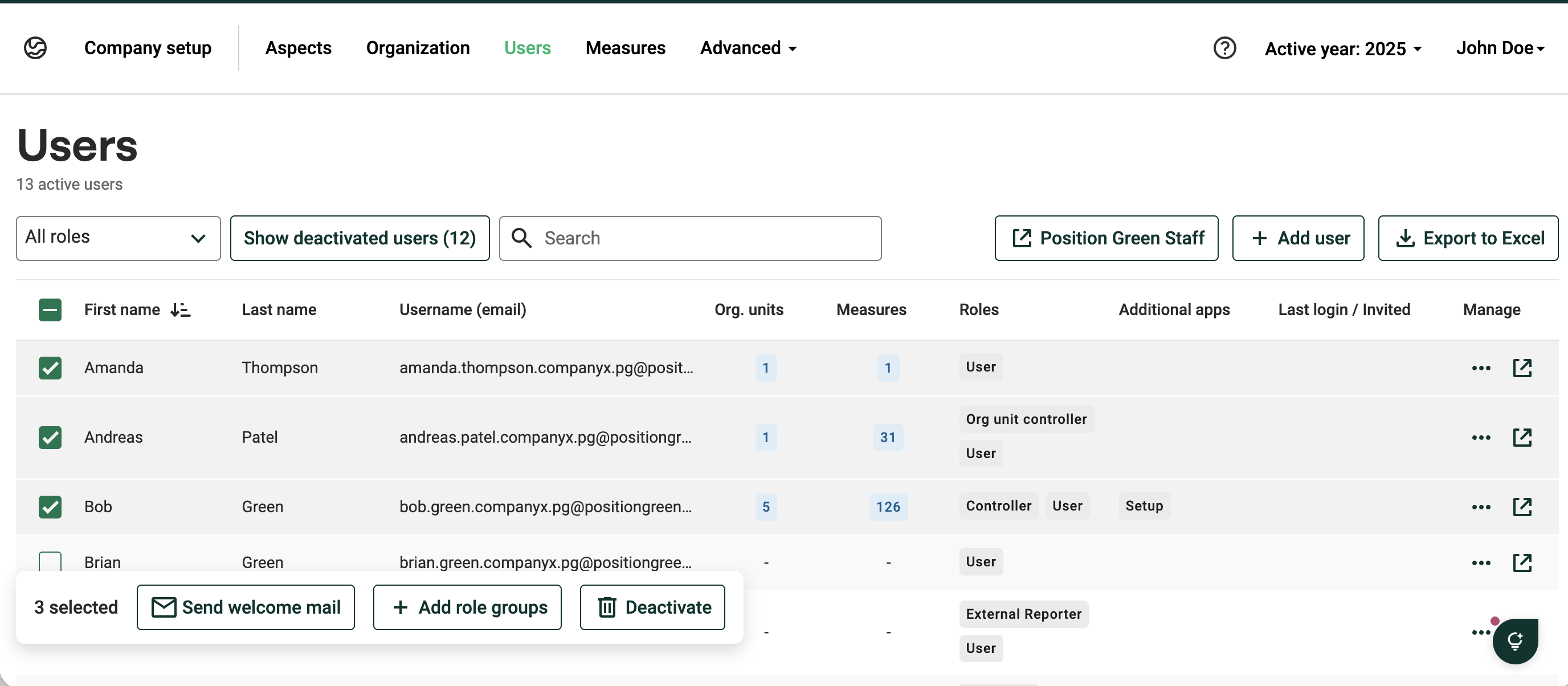
Was this article helpful?
That’s Great!
Thank you for your feedback
Sorry! We couldn't be helpful
Thank you for your feedback
Feedback sent
We appreciate your effort and will try to fix the article